Now with an AI design assistant
Enter your driver's Thiele/Small parameters, pick sealed, ported, bandpass or horn, and get the box volume, the port length, the response curves, a 3D cabinet you can spin and a cut list you can take to the saw. Stuck? Ask the AI assistant — it reads your design and explains what to change. Free, in the browser, with nothing to install.
No account, no install, nothing to pay.
Stuck on why a port chuffs or which alignment suits a driver? Tap Ask in the corner. The assistant sees the design on your screen — driver, volume, tuning, the solved curves — and answers about that box, not a generic one.
It only talks: it can't change your design, so every suggestion is one you make yourself. Free with an account, and on every guide on this site for general questions.
What port area do I want for a 12 inch sub?
Roughly 12–16 square inches per cubic foot is a common rule.
And for 2 cubic feet?
For 2 cubic feet, aim for about 24–32 square inches of port area. The ideal size depends on the subwoofer's power and tuning frequency.
One solver behind all of them, so SPL, impedance, cone excursion and vent air speed always agree with each other. Change the alignment and every curve, dimension and coverage map follows.
Start from a sealed box for the tightest response, a ported box for output near tuning, or a 4th- or 6th-order bandpass when you want a band of frequencies loud and everything else gone.
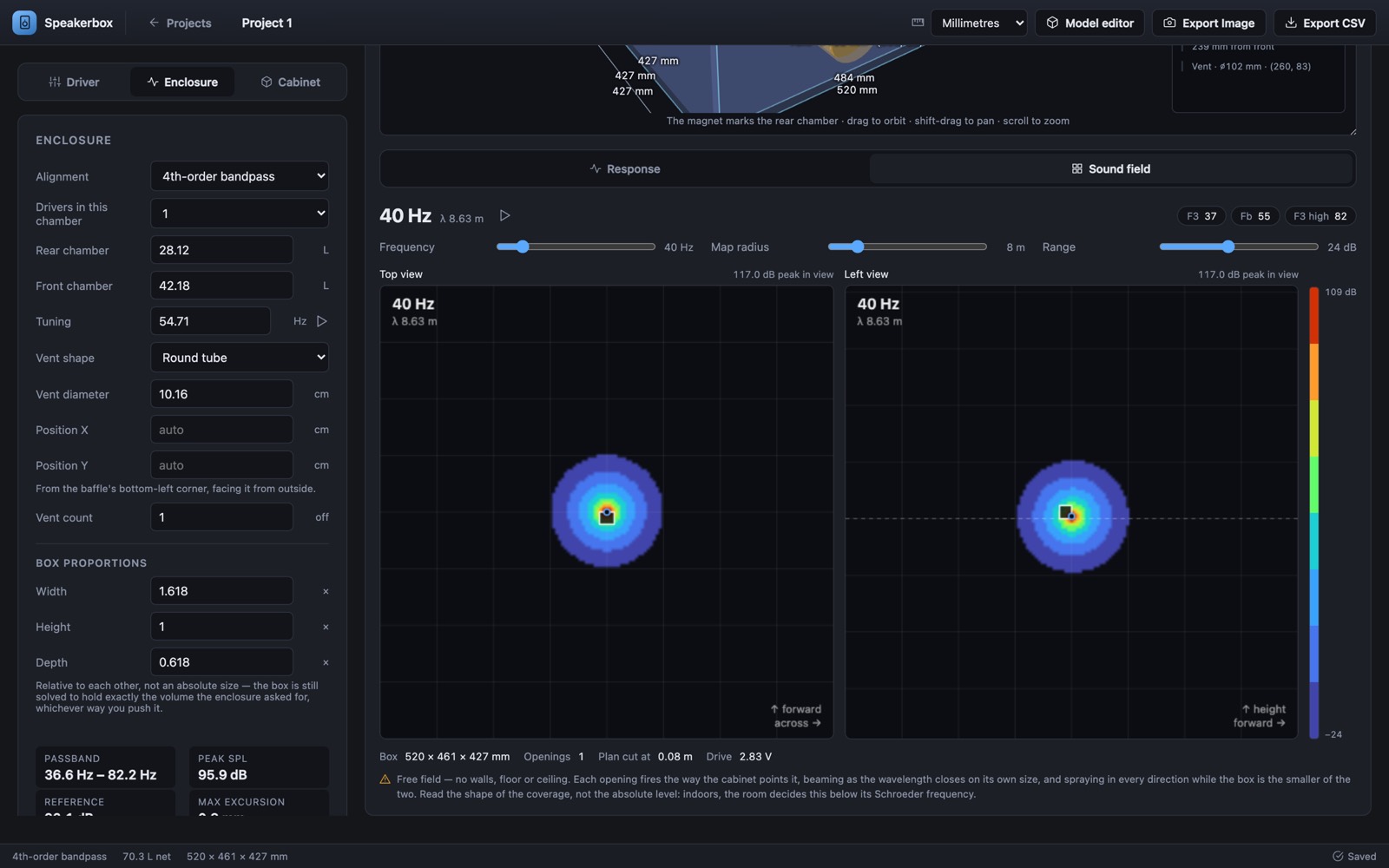
The air inside a box is not the box. Panel thickness, the driver, the vents and the bracing all take up room, so the volume you tune for and the box you build are different sizes — and this works out both.
You get external dimensions, net and gross volume, total board area and a per-panel cut list in millimetres or inches. See how to build a speaker box for what happens after the cut list.
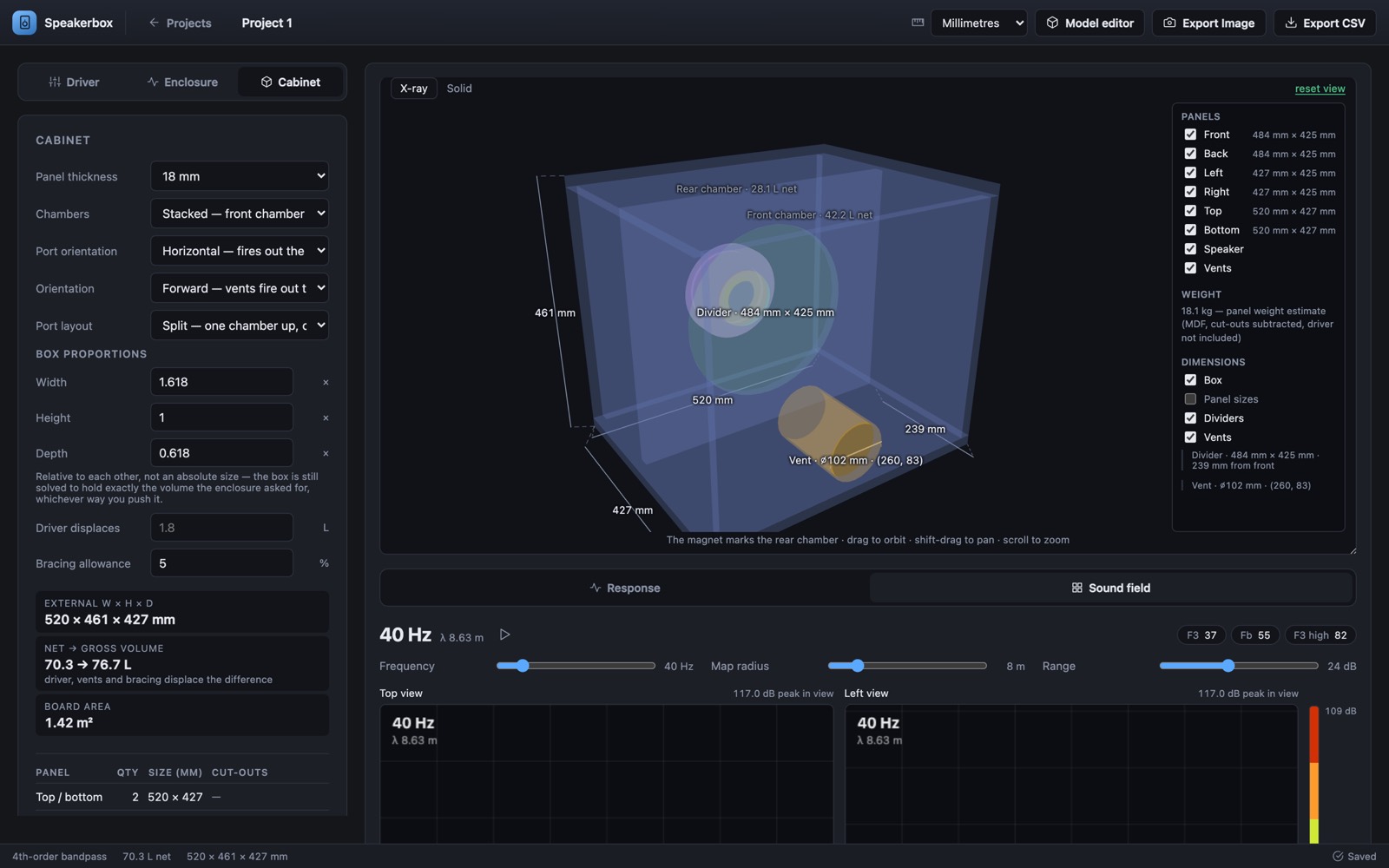
Handle recesses, terminal pockets, a corner knocked off to clear a castor. The model editor opens on the solved cabinet and gives it the gestures you already know — line, rectangle, circle, push/pull.
Every edit counts. The calculator measures the air your boards actually enclose — each chamber, each vent's real length and bore — and solves that cabinet again. The Model output graphs draw SPL, impedance, cone excursion and vent air speed for the box you drew, with the original design dashed behind them, so a shortened port or a lost litre shows up as a curve that moved.
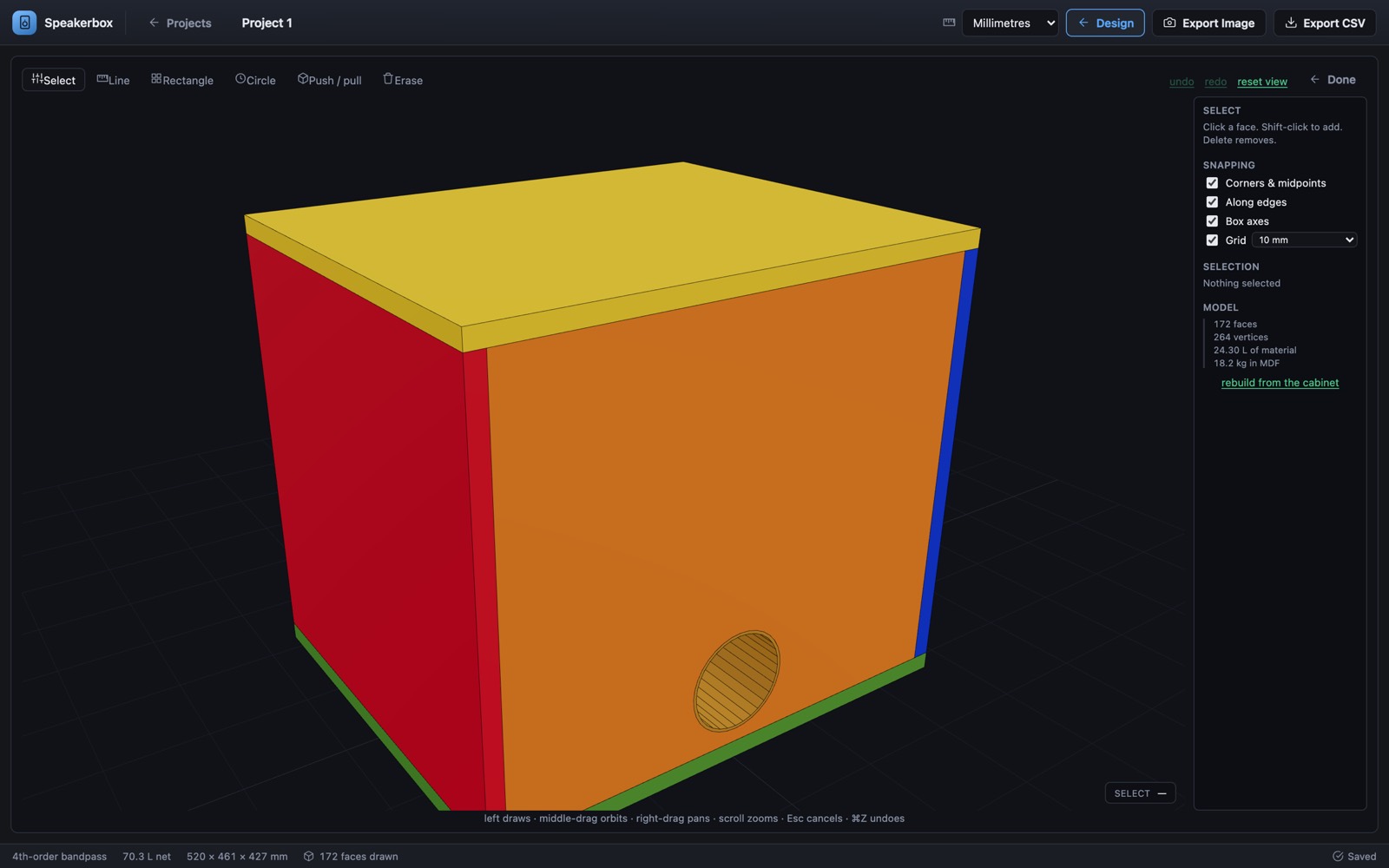
A driver on its own is not a loudspeaker. Below its resonance the front and back of the cone cancel each other, and how much bass you end up with is decided almost entirely by the box you put it in. A speaker box calculator is how you find that box without building three of them.
It takes the driver's Thiele/Small parameters — mainly resonance Fs, equivalent compliance volume Vas and total Q Qts — and returns:
The last two are the ones people skip and regret. A box can measure flat on paper and still destroy a driver below tuning, or whistle loudly enough to be audible over the music, and neither shows up in a volume figure.
The calculator solves the same Thiele/Small model as WinISD and draws the same graphs — SPL, impedance, cone excursion, vent air speed and group delay — so the curves come out in the shapes you are used to. Then it goes further: folded and tapped horns, a 3D cabinet, a cut list, and curves solved again from the box as you actually drew it. It runs in any browser, Mac and Linux included. See the side-by-side comparison, including what WinISD still does that this doesn't.
Smallest box, gentlest roll-off, safest below resonance. Solve from a target Qtc.
More output near tuning and deeper extension, at the cost of size and a vent to get right.
4th and 6th order. Loud over a narrow band, with the driver hidden inside.
Car audio and home subs, single or multiple drivers, with cabin gain in mind.
Round, slot, wall-slot and aero vents, with end correction and air-speed check.
What Fs, Vas, Qts, Xmax and the rest mean, and which ones actually decide the box.
The same graphs WinISD draws, in any browser — plus horns, a 3D cabinet and a cut list.
A speaker box calculator works out what size enclosure a given driver needs, and what that combination will sound like. You give it the driver's Thiele/Small parameters — resonance (Fs), equivalent compliance volume (Vas) and total Q (Qts) — and it returns the internal box volume, the port length if the box is vented, and the frequency response, impedance, cone excursion and vent air speed that result.
It turns a guess about box size into a prediction you can check before cutting wood.
Yes — free to use, with no account, no install and no payment. Projects save in your own browser's storage, so nothing is uploaded unless you choose to publish a design to the community.
It depends on the driver, not on its diameter. A sealed box follows from the total Q you want:
Vb = Vas / ((Qtc / Qts)² − 1)Qtc = 0.707 is maximally flat. 0.5 is critically damped. Above about 1.0 gets boomy.A ported box follows the standard vented alignment:
Vb = 20 · Vas · Qts³·³ Fb = Fs · (Vas / Vb)⁰·³¹Vas and Vb in the same units. Fs and Fb in hertz.Two 12-inch drivers can want boxes that differ by a factor of three, which is why the diameter on the label tells you nothing about the box.
Sealed is smaller, rolls off gently at 12 dB per octave, handles power below tuning safely and gives the tightest transient response. Ported is louder near tuning — typically 3 to 6 dB for the same driver and power — and extends lower, but needs a bigger box, unloads the cone below tuning and can chuff if the vent is too small.
Sealed for accuracy and small spaces, ported for output. The sealed and ported pages go through the trade-off properly.
18 mm (3/4 inch) MDF or Baltic birch is the normal choice for a subwoofer up to about 12 inches. Go to 25 mm (1 inch) for 15-inch drivers, for high-power builds, or for any panel wider than about 500 mm — and brace the large panels either way.
Thickness matters twice: it stiffens the box, and it eats internal volume. An 18 mm wall takes roughly 10 to 15 percent of the gross volume out of a typical sub box, which is why the calculator works out net and gross separately.
Port length comes from the Helmholtz relation, rearranged for length:
Fb = (c / 2π) · √( Sv / (Vb · Leff) )c = speed of sound, Sv = vent area, Vb = box volume, Leff = effective duct length.For a round vent of diameter d centimetres, that comes out as L = (2.356 × 10⁷ · d²) / (Fb² · Vb) − k · d, with Vb in litres and the end correction k around 0.85 for one flush end. The port length calculator does this for round, slot, wall-slot and aero vents, and checks the air speed while it is there.
Yes. It solves the same Thiele/Small model as WinISD and draws the same main graphs — SPL, impedance, cone excursion, vent air speed and group delay. It also models folded and tapped horns, builds a 3D cabinet with a cut list, and re-solves the curves from the cabinet as drawn, and it runs in any browser, Mac and Linux included.
WinISD still has high-pass filters, EQ and the Linkwitz transform, which this calculator does not yet. See the full comparison. DIY Sounds is independent and not affiliated with WinISD.
Paste in the Thiele/Small parameters and see the box in about a minute.
Open the calculatorOpen it and start designing. Your projects save in your own browser, with no sign-up and nothing to install — and when a box is worth showing off, publish it for other builders to pull apart.